
What Is HIPAA and Why Does It Matter Online?
- Home
- What Is HIPAA and Why Does It Matter Online?
What Is HIPAA and Why Does It Matter Online?
Estimated read time: 7–8 minutes
TL;DR: HIPAA is a U.S. law that protects your identifiable health information when it’s handled by covered entities (like clinics, hospitals, health plans) and their business associates (tech vendors working for them). Online care—video visits, portals, e-prescriptions, messages—must follow HIPAA’s privacy and security rules. Not every health app is covered, so it’s smart to know who has your data and how to keep it safe.
HIPAA in 60 seconds
- HIPAA = Health Insurance Portability and Accountability Act.
- It protects PHI—Protected Health Information that can identify you (name, email, phone, device IDs, photos) plus any health details (diagnoses, meds, bills).
- Applies to covered entities (clinics, hospitals, pharmacies, health plans) and their business associates (telehealth platforms, cloud hosts, billing companies) that sign a Business Associate Agreement (BAA) promising HIPAA-level protections.
The big rules (plain English)
- Privacy Rule: Who can see and share your PHI, and for what reasons (treatment, payment, operations) using the minimum necessary information.
- Security Rule: How electronic PHI must be safeguarded (access controls, encryption, audit logs, risk management, staff training).
- Breach Notification Rule: If your unsecured PHI is exposed, you must be told and given next steps.
What counts as PHI online?
Any identifiable info about your health or care, for example:
- Name, address, phone, email, birthdate, photos, IP/device identifiers
- Messages with your clinician, visit notes, diagnoses, meds, allergies
- Insurance claims, billing records, lab results, imaging, prescriptions
Telehealth & HIPAA: what it means for your video visit
Your telehealth provider must:
- Use a platform with a BAA in place (video, messaging, cloud storage).
- Encrypt data in transit; limit who on staff can access it; keep audit logs.
- Store records securely; follow retention and disposal policies.
- Share PHI only for appropriate reasons (care, payment, operations) or when you give permission.
Email & texting: Many clinics can message you, but you may be asked to opt in to email/SMS because standard texting isn’t end-to-end encrypted. Patient portals are the safer default.
Not every health app is HIPAA-covered
HIPAA usually does not apply to:
- Consumer apps you choose yourself (fitness trackers, meditation or period apps) unless they’re provided by or on behalf of your healthcare provider/plan under a BAA.
- Websites that aren’t delivering care or storing records for a clinic/plan.
Takeaway: If an app isn’t part of your clinic/plan, read its privacy policy—it might share data for ads or analytics.
Your rights under HIPAA
- Access: Get copies of your records (often within 30 days).
- Electronic copies: You can request digital records or have them sent to a third party.
- Amend: Ask to correct or add a note to your record.
- Restrict: Request limits on certain disclosures (e.g., pay cash and ask not to bill insurance).
- Confidential communications: Ask the clinic to contact you in a specific way (alternate phone/email).
- Accounting of disclosures: See certain non-routine disclosures of your PHI.
Ask your clinic how to submit these requests—most have a simple form.
What your provider must do (behind the scenes)
- Train staff; verify identities; use role-based access.
- Maintain risk assessments, incident response plans, and vendor BAAs.
- Protect data with encryption, backups, and secure deletion.
- Notify you if there’s a breach of unsecured PHI and outline remedies.
Common myths (and the reality)
- “HIPAA means no one can share my info.”
Clinicians can share PHI for treatment, payment, and operations without extra consent, but must limit it to what’s necessary. - “HIPAA covers everything health-related on the internet.”
No. Many consumer health apps and wearables aren’t covered unless they’re part of your clinic/plan. - “HIPAA prevents family from helping.”
With your permission, your care team can discuss your care with a designated person. In some situations, they may share limited info if it’s in your best interest.
If there’s a data breach
You should receive a notification describing what happened, what information was involved, how the organization is responding, and what you can do (e.g., credit monitoring, password changes, fraud alerts). Save the letter and follow the steps provided.
Simple ways to protect your privacy during online care
- Use the patient portal for messages whenever possible.
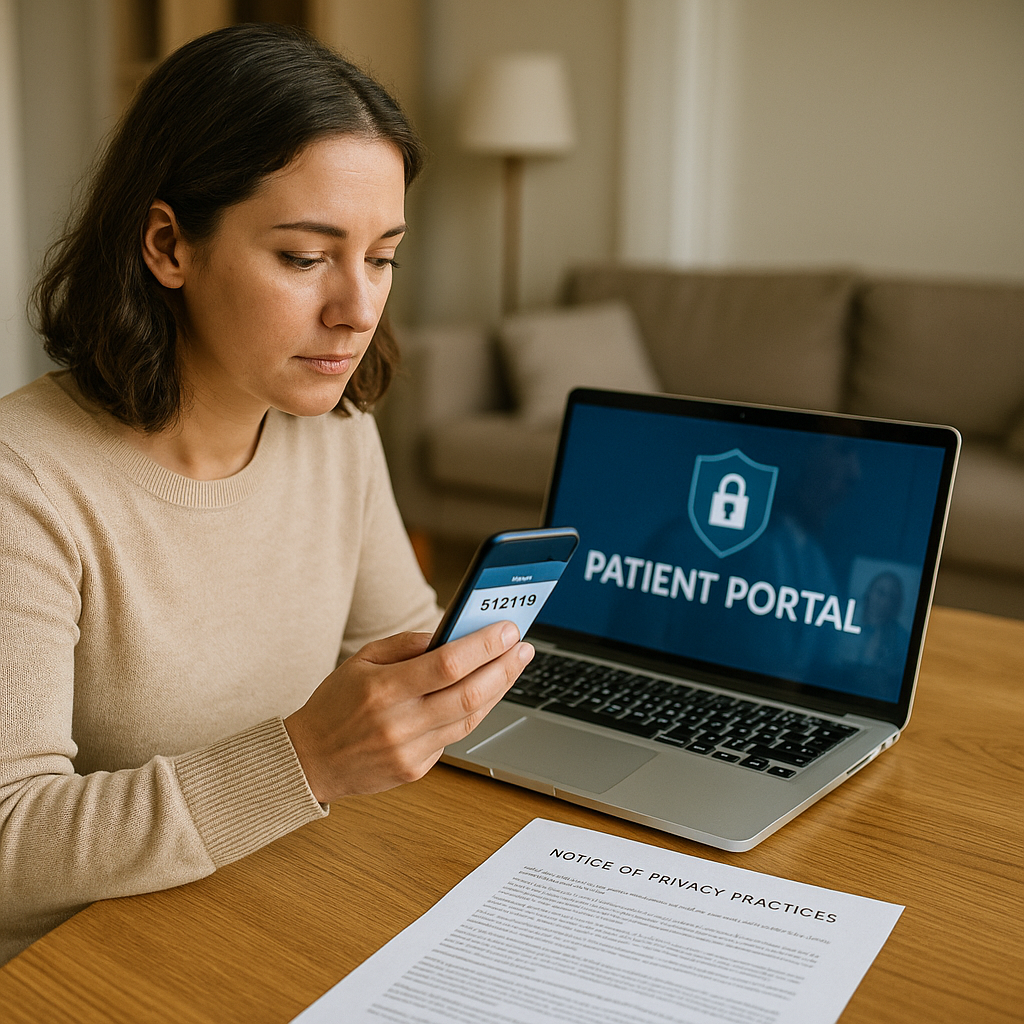
- Turn on two-factor authentication and strong, unique passwords.
- Avoid public Wi-Fi for visits; use your home network or a cellular connection.
- Pick a private, well-lit room; wear headphones.
- Lock your devices (PIN/biometric) and set auto-lock.
- Review app permissions; uninstall apps you don’t use.
- Keep your email/phone up to date at the clinic for secure notifications.
- If you want a family member to help, ask about proxy access.
How this applies at a telehealth clinic
A reputable telehealth clinic will:
- Use a HIPAA-compliant video and messaging platform under a BAA
- Encrypt data, limit staff access, and maintain audit logs
- Provide a Notice of Privacy Practices describing how your PHI is used and your rights
- Offer portal access, secure e-prescribing, and clear contact info for privacy questions
Bottom line
HIPAA doesn’t stop online care—it enables it by setting guardrails for privacy and security. Know who’s covered, use your portal, and take a few simple steps to keep your information safe. If you ever have questions, ask your clinic’s privacy officer or support team.
Educational content only. This article is not legal advice and isn’t a substitute for professional medical guidance. For personal concerns, contact your clinician or your clinic’s privacy office.
- Share
