
How to Pick Up a Prescription After Telehealth
- Home
- How to Pick Up a Prescription After Telehealth
How to Pick Up a Prescription After Telehealth
Getting Your Prescription After a Telehealth Visit
You just finished a telehealth visit. The provider reviewed your symptoms, answered your questions, and sent a prescription to your pharmacy. Now what? For many people, especially those new to telehealth, the next steps can feel a little unclear. The good news is that picking up a prescription after a telehealth visit works almost exactly the same way as picking one up after an in-person appointment. Knowing what to expect can save you time and make the whole process much smoother.
How Telehealth Prescriptions Work
When a licensed provider sees you through a telehealth platform, they can send a prescription electronically to your pharmacy. This is called an e-prescribe or electronic prescription. Most pharmacies across the country are set up to receive these digital orders. The provider enters your prescription directly into a secure system, and it shows up at your chosen pharmacy usually within minutes.
In some cases, a provider may send a paper prescription or call the pharmacy directly. This depends on the type of medication, your state’s laws, and the platform you used. Certain controlled substances have additional rules and may not be available through all telehealth services. Your provider will let you know if your medication requires any extra steps on your end.
It is a good idea to have your preferred pharmacy’s name, address, and phone number ready before or during your visit. This helps the provider send the prescription to the right location without any delays. If you are not sure which pharmacy to choose, a national chain like a grocery store or big-box retailer pharmacy is usually a safe and convenient pick.
What to Do Right After Your Visit
Once your visit ends, give the pharmacy a little time before you head over. Electronic prescriptions usually arrive quickly, but it can take the pharmacy staff a short while to process and fill the order. Waiting 30 minutes to an hour before showing up or calling ahead can save you an extra trip.
If your visit was through a service like SendClinic, you may receive a visit summary or follow-up message with details about your prescription. Check your email or the platform’s messaging system so you know exactly what was prescribed and where it was sent. Having this information on hand is helpful in case the pharmacy has any questions.
You can also use your pharmacy’s app or website to track when your prescription is ready. Many pharmacies send text or phone alerts when your order is filled. Signing up for these notifications takes only a minute and makes the pickup process much more convenient.
What to Bring to the Pharmacy
Picking up a prescription is a quick process when you come prepared. Here is what you typically need to bring with you:
- A valid photo ID — Most pharmacies ask for identification, especially for new prescriptions.
- Your insurance card — If you have prescription drug coverage, bring the card so the pharmacist can apply your benefits. Keep in mind that telehealth services like SendClinic do not require insurance, but your pharmacy benefit is separate and may still apply.
- A form of payment — Have a credit card, debit card, or cash ready in case there is a copay or out-of-pocket cost.
- Your prescription details — Knowing the name of your medication and the prescribing provider’s name can help if the pharmacy has trouble locating your order.
If someone else is picking up the prescription on your behalf, they may need to bring your ID or a note from you, depending on the pharmacy’s policies. Call ahead to confirm what is needed to avoid any confusion.
What If There Is a Problem at the Pharmacy?
Occasionally, there can be a small hiccup when picking up a telehealth prescription. The most common issues include the prescription not yet showing up in the system, a medication being out of stock, or an insurance question. These problems are usually easy to fix.
If the pharmacy cannot find your prescription, ask them to wait a few more minutes and try again, or ask them to call the prescribing provider’s office directly. Most telehealth platforms have a support line you can contact as well. Keep any confirmation emails or messages from your visit handy, since they may contain helpful reference numbers.
If your medication is out of stock, the pharmacist can often check nearby locations or order it for next-day pickup. They can also sometimes suggest a similar medication, but any changes to your prescription would need to be approved by your provider first. Do not hesitate to ask the pharmacist questions — they are a great resource and can walk you through your options.
Understanding Your Medication Before You Leave
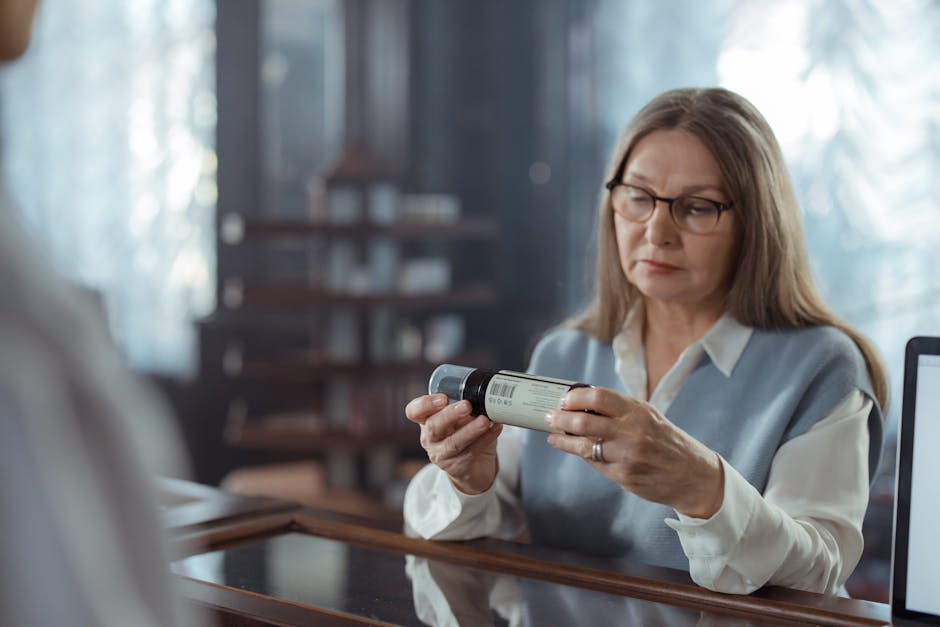
Before you walk out of the pharmacy, take a moment to review the label and the information sheet that comes with your medication. Make sure the name on the label matches yours, the medication name looks correct, and the dosage instructions are clear. If anything looks off or confusing, ask the pharmacist right then and there.
The information sheet will tell you how to take the medication, possible side effects to watch for, and any foods or other medicines to avoid. Reading this takes only a few minutes but can make a real difference in how well your treatment goes. Pharmacists are trained to answer these questions and are happy to help.
If you have concerns after you get home, most telehealth platforms allow follow-up messages or additional visits. Your health and safety always come first, and providers want to know if something does not seem right.
Telehealth Makes Getting Care Easier
Telehealth has made it faster and more convenient than ever to get the care you need without leaving home. From the video or phone visit to the electronic prescription arriving at your local pharmacy, the whole process is designed to fit into your busy life. Whether you use SendClinic for a UTI, a sinus infection, or a prescription refill, getting your medication afterward is straightforward and simple.
With a little preparation — knowing your pharmacy, having your ID ready, and checking for notifications — picking up your prescription can take just a few minutes. Modern telehealth and pharmacy systems work together to get you feeling better as quickly as possible.
References
- Centers for Disease Control and Prevention. “Telehealth in the United States.” CDC. 2024.
- Bestsennyy, Oleg, et al. “Telehealth: A quarter-trillion-dollar post-COVID-19 reality?” McKinsey & Company. 2021.
- U.S. Food and Drug Administration. “Electronic Prescriptions for Controlled Substances.” FDA. 2023.
- Heyworth, Leonie, et al. “Telehealth — An Underused Tool in Health Care.” New England Journal of Medicine. 2020.
- American Academy of Family Physicians. “Telehealth and Telemedicine.” AAFP. 2023.
Need care today? Skip the waiting room.
See a licensed provider by phone or video — fast, affordable, and from the comfort of home. No insurance required.
Individual results may vary. SendClinic is operated by Affection Health Care LLC.
- Share
